

How it works
From the search bar to the gate.
Buying a ticket, getting it, and walking in. Here is exactly what happens at every step, and what we do if something goes wrong.
The journey
Eight small steps, one smooth night.
- Discover1
Step 1
Find an event and check the details
Every event page shows the venue, date, ticket types, the full price including fees, and the refund rules before you start.
No account needed to browse.
- 2
Step 2
Choose your tickets
Pick quantities for each ticket type. We check purchase limits and availability on our servers, so what you see is what you can buy.
- Book3
Step 3
We hold your tickets while you pay
Your selection is reserved for a short, clearly displayed time. If it runs out, the tickets go back on sale for someone else.
The timer is checked by our server, not your phone.
- 4
Step 4
Add the attendees
The person paying can be different from the people attending. Each ticket can be assigned to an individual.
- 5
Step 5
Pay securely
We confirm the payment before issuing anything. If a payment is still pending you can leave and come back, without paying twice.
- Attend6
Step 6
Your tickets appear in My Tickets
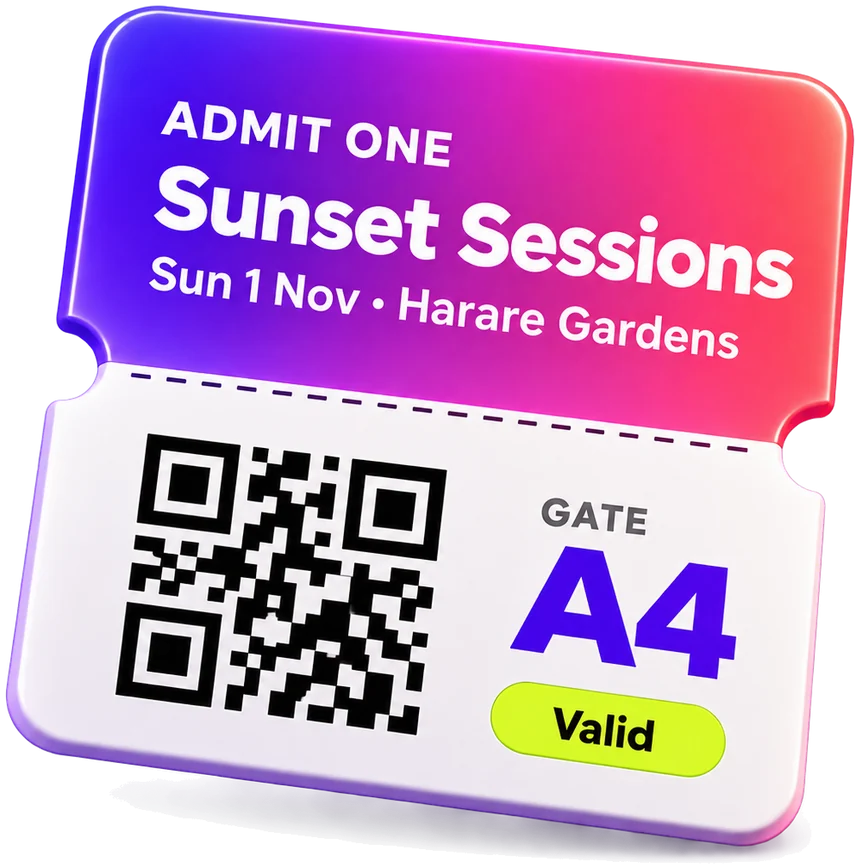
One ticket per person, each with its own QR code. You can find them again any time, even if you close the page after paying.
- 7
Step 7
Walk in
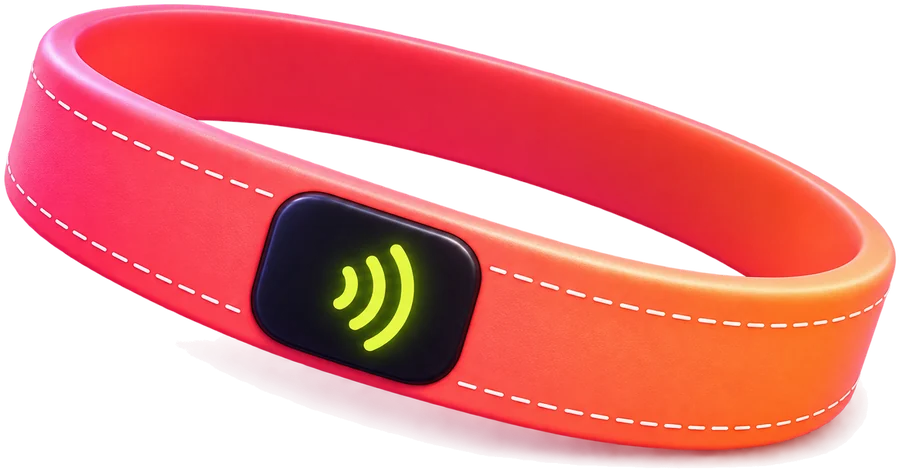
Show your QR code at the gate, or tap your Vybe Band if you have one. Either way it opens the same ticket, and Premium bands use the express lane.
- 8
Step 8
Keep it all on your Vybe Band
A Vybe Band is yours to keep. Tickets you buy here arrive on it automatically, and tickets from selected sellers can be linked to it, so one tap covers every event.



Getting in
QR code or Vybe Band?
Both open the same ticket. A QR code needs nothing; a Vybe Band is the faster, premium way in.
The default
QR code
- One QR code per ticket, in My Tickets
- Works on any phone, no app needed
- Screenshot it as a backup in case of poor signal
Best for: every event, every guest
The premium way in
Vybe Band
- Buy it once and keep it, tied to your account
- Tap to enter, no phone needed at the gate
- Holds tickets from us and from selected sellers
Best for: people who go to lots of events
Meet the Vybe BandWe've got you
If something goes wrong.
Payment still pending?
Don't pay again. You can leave the page and come back; your tickets appear once the payment is confirmed.
Timer ran out?
Held tickets return to sale. If you paid just as it expired, we try to allocate fresh tickets, and refund you if none are left.
Can't find your tickets?
Sign in and open My Tickets. They stay there, even if you closed the page right after paying.
Event changed or cancelled?
We email everyone with a ticket. Cancelled events are refunded under the refund policy.
More answers in the Help centre, or contact us.
Ready to find your vybe?
Browse what's on, see the full price, and get your tickets in a few taps. Then put them all on one Vybe Band.